Published March 19, 2026 · Updated August 13, 2026 · By HR Stack Solutions
5 Best Payroll Software Platforms for Small Business in 2026
Best payroll software for a small business: Gusto leads this five-platform shortlist for many small U.S. employers that want public pricing with payroll and HR. OnPay fits transparent payroll-first buying, Rippling fits modular HR and IT operations, ADP RUN brings service depth for teams with 1-49 employees, and the former Zenefits now maps to TriNet HR Platform.
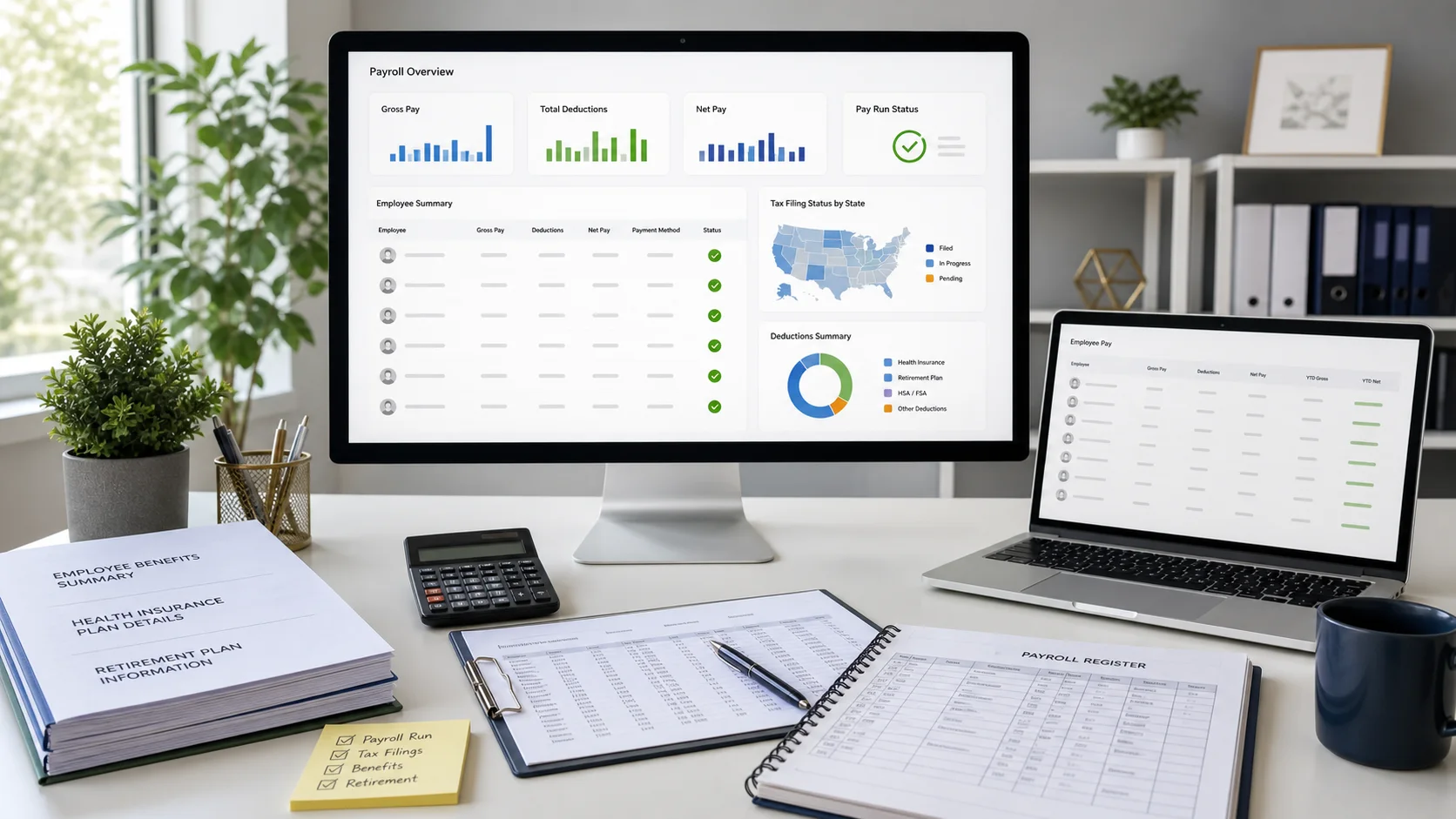
Quick verdict: Choose Gusto for the best public-priced payroll and HR balance. Choose OnPay for transparent multi-state payroll at the base tier. Choose Rippling for a modular workforce platform, ADP RUN for service depth, and TriNet HR Platform when payroll must share one system with HR and benefits administration.
#1
Gusto
Best overall for small-business payroll and HR
#2
Rippling
Best modular payroll, HR, and IT platform
#3
OnPay
Best transparent payroll-first value
#4
ADP Run
Best service depth for businesses with 1-49 employees
#5
Zenefits
Best integrated HR, payroll, and benefits platform
Compare the leading payroll workflows
Current regular pricing is used below instead of temporary free-month offers. These links preserve the existing HR Stack campaign attribution.
Small-Business Payroll Software Compared
Published prices below are software fees, not wages, payroll taxes, insurance premiums, retirement plan fees, payment fees, or optional services. Quote-based vendors should itemize implementation, jurisdictions, year-end forms, off-cycle runs, support, and renewal terms.
| Rank and platform | Operating model | Current pricing | Tax and state scope | Benefits and 401(k) path | Best fit |
|---|---|---|---|---|---|
| 1. Gusto | Full-service payroll with HR and benefits options | Simple $49 + $6/person; Plus $80 + $12; Premium $180 + $22 | Full-service payroll; multi-state payroll begins on Plus | Benefits and partner-delivered retirement options with payroll deduction sync | overall for small-business payroll and HR |
| 2. Rippling | Required core platform plus separately quoted payroll and other modules | Custom quote | U.S. and global payroll products; scope depends on the quote | Benefits data and deductions can flow into payroll; integrations and modules vary | modular payroll, HR, and IT platform |
| 3. OnPay | Full-service payroll with included hiring and benefits administration basics | $49 base + $6/worker per month | Federal, state, and local filings; multi-state payroll included | Integrated benefits, workers comp, and 401(k) connections in the payroll plan | transparent payroll-first value |
| 4. RUN Powered by ADP | Quote-based small-business payroll and HR packages | Custom quote | Federal, state, and local tax filing with package-dependent services | Health, retirement, time, insurance, and other add-ons are available | service depth for businesses with 1-49 employees |
| 5. Zenefits, now TriNet HR Platform | TriNet HR Platform software, with optional HR Plus services or separate PEO model | Custom quote | Integrated payroll processing and payroll tax filing support | Benefits administration, payroll deductions, and optional 401(k) capabilities | integrated HR, payroll, and benefits platform |
What Payroll Costs at 10 and 50 Paid People
These examples use current regular software prices and assume each person is charged in the month. They exclude payroll tax liabilities, insurance premiums, retirement fees, payment fees, and optional services.
| Platform | 10 paid people | 50 paid people | Cost note |
|---|---|---|---|
| Gusto | $109 Simple; $200 Plus; $400 Premium | $349 Simple; $680 Plus; $1,280 Premium | Published regular software price |
| Rippling | Request a platform plus U.S. Payroll quote | Request a platform plus U.S. Payroll quote | Quote required |
| OnPay | $109 Payroll Essentials | $349 Payroll Essentials | Published regular software price |
| RUN Powered by ADP | Request an Essential, Enhanced, Complete, or HR Pro quote | ADP positions Workforce Now for 50+ employees | Quote required |
| Zenefits, now TriNet HR Platform | Request an HR Platform or HR Plus quote | Request an HR Platform or HR Plus quote | Quote required |
The Five Best Payroll Platforms
#1 Best overall for small-business payroll and HR
Gusto
Current software pricing
Simple $49 + $6/person; Plus $80 + $12; Premium $180 + $22
Gusto combines unlimited payroll runs with tax filing, employee self-service, hiring, onboarding, and benefits workflows. The current pricing ladder is materially higher than the retired Core and Complete prices still repeated across older comparison pages.
Where it earns the ranking
- - Public plan and per-person pricing
- - Unlimited payroll runs on employee payroll plans
- - Multi-state payroll, time, scheduling, expenses, and advanced onboarding on Plus
Verify before signing
Simple is positioned for single-state payroll. Multi-state payroll, time tracking, scheduling, expenses, and advanced HR begin on Plus or higher. Benefits availability and partner fees vary.
#2 Best modular payroll, HR, and IT platform
Rippling
Current software pricing
Custom quote
Rippling is the broadest operational platform in this shortlist. Employee changes such as new hires, compensation updates, time, and benefits deductions can flow into payroll, reducing duplicate entry across HR and finance workflows.
Where it earns the ranking
- - Shared employee data across payroll, HR, benefits, time, and IT
- - U.S. payroll plus global payroll and contractor products
- - Configurable approvals, reporting, automation, and integrations
Verify before signing
Rippling does not publish the old $35 plus $8 payroll price. The core Rippling Platform is required, and Payroll, Benefits, Expenses, and Device Management are separately selected modules.
#3 Best transparent payroll-first value
OnPay
Current software pricing
$49 base + $6/worker per month
OnPay is no longer accurately described as payroll-only with no HR or benefits features. Payroll Essentials includes hiring and onboarding tools, integrated benefits administration, accounting and retirement integrations, custom reports, and support. The optional HR module adds deeper PTO, workflow, document, org-chart, and equipment tools.
Where it earns the ranking
- - Unlimited pay runs, schedules, and supported states
- - W-2 and 1099 workers, tax filings, and self-print year-end forms
- - Free setup, migration, and payroll support
Verify before signing
The new HR add-on costs another $15 base plus $2 per worker monthly. Advanced compliance resources and live HR support are separate fixed-price enhancements.
#4 Best service depth for businesses with 1-49 employees
RUN Powered by ADP
Current software pricing
Custom quote
RUN offers Essential Payroll, Enhanced Payroll, Complete Payroll and HR+, and HR Pro packages. It adds hiring, HR, time, insurance, retirement, and compliance capabilities by package or integration. ADP positions Workforce Now as its all-in-one HCM platform for organizations with 50 or more employees.
Where it earns the ranking
- - Payroll and tax filing with automatic recurring payroll options
- - Four package levels plus HR, time, insurance, and retirement add-ons
- - A defined path from RUN to ADP Workforce Now as needs change
Verify before signing
RUN is ADP's 1-49 employee product, not the platform ADP positions for teams beyond 100. Pricing is quote-based, so compare implementation, forms, jurisdictions, add-ons, and renewal terms in writing.
#5 Best integrated HR, payroll, and benefits platform
Zenefits, now TriNet HR Platform
Current software pricing
Custom quote
The product historically known as Zenefits is now positioned by TriNet as HR Platform and HR Plus. Current payroll materials describe unlimited payroll runs, tax filing, contractor payments, direct deposit, garnishment support, general-ledger reporting, and integrated benefits deductions.
Where it earns the ranking
- - Three-click payroll connected to HR, time, and benefits data
- - Unlimited payroll runs and advanced processing features
- - Software, service-backed ASO, and separate PEO options within TriNet
Verify before signing
Zenefits is no longer sold under the old Growth and Scale pricing shown on this page. Confirm whether the proposal is HR Platform software, service-backed HR Plus ASO, or TriNet PEO because pricing and employer responsibilities differ.
Payroll with 401(k) and Benefits Integration
A vendor saying it supports benefits or retirement does not prove deductions are operationally integrated. Ask who administers the plan, where elections originate, when deductions update, how corrections flow, and whether payroll and the carrier or recordkeeper reconcile automatically.
| Platform | Benefits path | Retirement path | Demo proof to require |
|---|---|---|---|
| Gusto | Benefits administration and broker options vary by product and location | Partner-delivered retirement options | Show an election change flowing into the next payroll deduction |
| Rippling | Benefits module shares employee data with payroll | Plan and provider integrations depend on the configured stack | Show effective dates, deduction mapping, and retroactive correction |
| OnPay | Benefits administration and broker support included in Payroll Essentials | Integrated 401(k) connections | Show the provider feed, contribution update, and payroll report |
| ADP RUN | Health and insurance options are package-dependent add-ons | ADP retirement solutions can integrate with RUN | Require an itemized quote and live deduction workflow |
| TriNet HR Platform | Integrated benefits administration with payroll deduction sync | Optional 401(k) capability | Clarify HR Platform, HR Plus, or PEO ownership and fees |
How to Validate Payroll Before the First Live Run
Implementation data
- - Federal and state employer IDs plus local tax registrations
- - Quarter-to-date and year-to-date wages, taxes, and deductions
- - Employee work and resident locations, pay rates, and withholding forms
- - Pay schedules, bank verification, garnishments, benefits, and retirement deductions
- - General-ledger accounts, departments, locations, classes, and projects
Parallel-run evidence
- - Gross-to-net totals by employee and earning type
- - Employer and employee tax totals by jurisdiction
- - Benefit, retirement, garnishment, and reimbursement deductions
- - Payroll register, liability report, funding amount, and accounting journal
- - Written responsibility map for filings, deposits, notices, and amendments
Payroll software does not erase employer oversight
IRS Publication 15 covers employer responsibilities for withholding, depositing, reporting, and paying employment taxes. Third-party payer arrangements differ, so keep agency access, filing copies, deposit confirmations, notices, and a written responsibility schedule even when a vendor performs the work.
How We Compared Payroll Platforms
We reviewed current official product and pricing documentation on August 13, 2026. The ranking weighs public versus quote-based cost, tax and state scope, implementation, employee and contractor workflows, HR depth, benefits and retirement integration, accounting exports, support, and the ability to prove a clean payroll close. Temporary promotions are excluded from regular cost examples.
- Gusto pricing and plan comparison
- Rippling payroll product
- Rippling modular pricing model
- OnPay pricing and included features
- RUN Powered by ADP packages
- ADP product fit by company size
- TriNet HR Platform payroll
- TriNet HR Platform overview
Frequently Asked Questions
What is the best payroll software for a small business?
Gusto is the best overall choice in this five-platform shortlist for many small U.S. employers because it combines public pricing, payroll, onboarding, benefits, and HR. OnPay is the strongest transparent payroll-first value. Rippling fits modular HR and IT operations, ADP RUN fits service-oriented teams with 1-49 employees, and the former Zenefits now maps to TriNet HR Platform.
Which is cheaper, Gusto or OnPay?
Gusto Simple and OnPay Payroll Essentials both cost $109 per month for 10 paid people at current regular pricing. OnPay includes multi-state payroll in its base plan, while Gusto positions Simple for single-state payroll and requires Plus for multi-state payroll. Compare required HR, benefits, time, and support features rather than the first-month promotion.
Is Gusto or OnPay better for a small business?
Choose Gusto when you want a polished payroll-led HR system with a clear path into onboarding, time, scheduling, expenses, and benefits. Choose OnPay when transparent pricing, included multi-state payroll, tax filing, unlimited runs, and payroll support matter more than a broad modular platform.
What payroll software works with 401(k) and employee benefits?
All five options have a retirement or benefits path, but the service model differs. Gusto offers benefits and partner-delivered retirement options, OnPay includes benefits administration and 401(k) integrations, Rippling connects benefit deductions with payroll, ADP offers retirement and health add-ons, and TriNet HR Platform connects payroll with benefits administration and optional 401(k) capabilities.
Is Zenefits still payroll software?
The former Zenefits product is now presented by TriNet as HR Platform and HR Plus. Payroll remains part of the current platform, but buyers should use TriNet documentation and request current pricing instead of relying on retired Zenefits Growth or Scale plan prices.
How long does payroll implementation take?
There is no reliable universal one-to-two-hour setup promise. Timing depends on prior wages, quarter and year-to-date balances, tax jurisdictions, bank verification, pay schedules, benefits deductions, garnishments, accounting mappings, and data quality. Run a parallel reconciliation and get written confirmation before the first live payroll.
Does payroll software remove the employer's tax responsibility?
No blanket assumption is safe. A provider may calculate, deposit, and file employment taxes, but responsibilities depend on the third-party payer arrangement and contract. Employers should verify agency account access, filing copies, deposit confirmations, notices, and record retention with their tax professional.
Continue the Payroll Research
Affiliate disclosure: We may earn commissions when you click partner links, at no extra cost to you. Our reviews stay editorially independent.